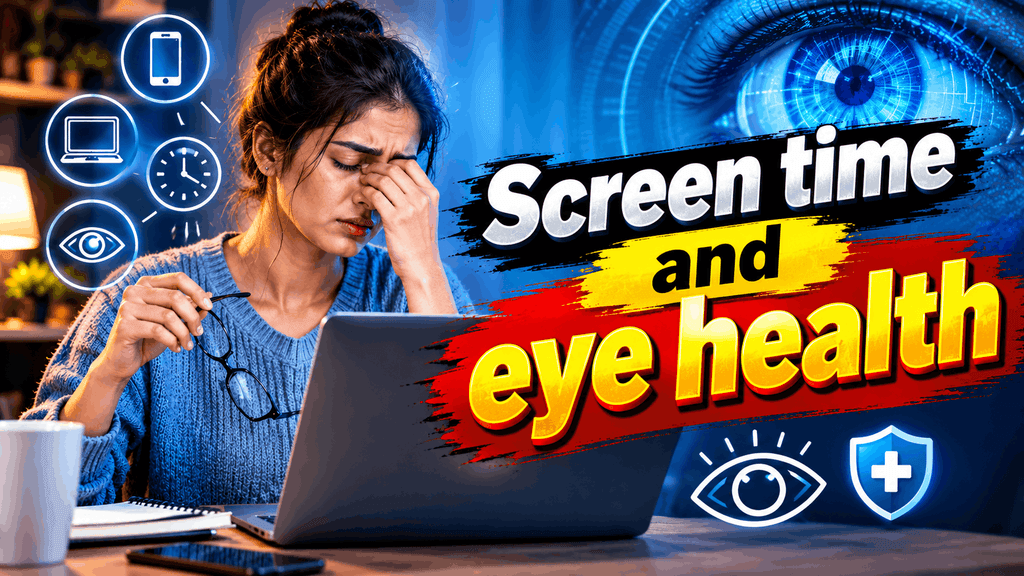
Screen Time and Eye Health
Simple Ways to Reduce Digital Eye Strain
Smartphones, laptops, tablets, and televisions have become an important part of everyday life. People use digital screens for work, education, entertainment, online shopping, and communication. However, spending long periods looking at screens without taking breaks can cause tired eyes, dryness, headaches, and temporary blurred vision.
This discomfort is commonly known as digital eye strain or computer vision syndrome. It can affect students, office workers, gamers, and anyone who spends extended periods focusing on nearby objects.
The good news is that a few simple changes to your daily routine can help reduce eye discomfort and make screen use more comfortable. Here are 10 practical ways to support your eye health while using digital devices.
What Is Digital Eye Strain?
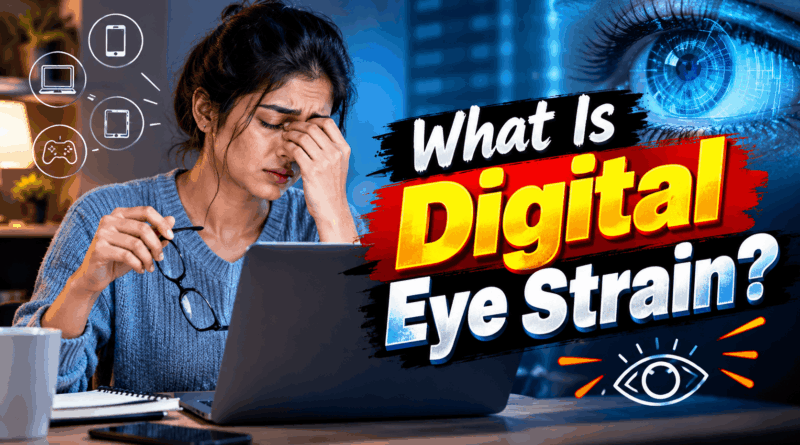
Digital eye strain refers to a group of symptoms that can develop after prolonged use of computers, smartphones, and other digital devices. When people concentrate on a screen, they tend to blink less frequently. This can cause the surface of the eyes to become dry and uncomfortable.
Common symptoms include:
- Dry, itchy, or watery eyes
- Tired or aching eyes
- Temporary blurred vision
- Headaches after extended screen use
- Difficulty refocusing after looking at a screen
- Neck and shoulder discomfort related to poor posture
These symptoms are often temporary. However, persistent problems may also be related to dry eye disease, an outdated glasses prescription, or another eye condition.
1. Follow the 20-20-20 Rule
One of the simplest ways to reduce digital eye strain is to follow the 20-20-20 rule.
Every 20 minutes, look at something approximately 20 feet away for at least 20 seconds. This gives your eyes a short break from continuously focusing at a close distance.
For example, if you are working on a laptop, look out of a window or toward a distant object in the room. You can set a reminder on your phone or computer to help make this a regular habit.
2. Blink More Often
Blinking helps spread tears across the surface of your eyes, keeping them lubricated. Unfortunately, people often blink less while concentrating on digital screens.
Make a conscious effort to blink fully and regularly while working, studying, or watching videos. If your eyes frequently feel dry, an eye-care professional can advise whether lubricating eye drops, such as artificial tears, may help.
Avoid using medicated eye drops without appropriate advice, especially if you have persistent redness or irritation.
3. Keep Your Screen at a Comfortable Distance
Holding a smartphone too close to your face or sitting extremely close to a computer monitor may increase visual discomfort.
For a desktop computer, try positioning the screen roughly an arm’s length away, adjusting the distance according to your screen size and visual needs. Place the monitor so that you look slightly downward rather than constantly lifting your eyes or tilting your head upward.
For smartphones, increase the text size instead of bringing the device very close to your face. Comfortable positioning can help reduce eye discomfort and improve posture.
4. Adjust Screen Brightness and Text Size
A screen that is much brighter or darker than its surroundings can make viewing uncomfortable. Adjust the brightness to suit the lighting in your room and increase the text size if you find yourself squinting.
You can also increase contrast and use a suitable display setting to make reading easier. These small adjustments may be especially useful for people who spend several hours working with documents, messages, or spreadsheets.
5. Reduce Glare and Reflections
Reflections from windows, overhead lights, and shiny surfaces can make screens difficult to read. Try positioning your monitor away from direct sunlight and adjusting your desk lighting.
If reflections remain a problem, an anti-glare screen filter may be helpful. Clean your screen regularly so that dust and fingerprints do not make viewing more difficult.
Good lighting should make text easy to read without creating harsh reflections or forcing you to squint.
6. Take Regular Breaks From Screens
The 20-20-20 rule provides short visual breaks, but longer breaks are also useful during extended computer sessions.
Stand up, walk around, stretch your body, or perform a task that does not require looking at a nearby screen. During lunch or study breaks, try stepping away from your phone instead of immediately switching to another digital device.
Regular movement can also help reduce neck, shoulder, and back discomfort associated with sitting for long periods.
7. Limit Screen Use Before Bedtime
Using a smartphone or laptop late at night can interfere with sleep for some people, particularly when screen use keeps them mentally alert or exposes them to bright light close to bedtime.
Consider reducing screen use during the hour or two before sleeping. If you need to use a device, lower the brightness and enable night mode if it makes viewing more comfortable.
Getting adequate sleep supports overall health and may help you feel less tired during the following day.
8. Spend Time Outdoors
Balancing screen-based activities with outdoor time is a useful habit, especially for children and teenagers.
Research suggests that spending time outdoors may help reduce the risk of developing myopia, commonly known as nearsightedness, in children. Outdoor activities also encourage physical movement and provide a break from prolonged close-up work.
Walking, playing sports, gardening, or spending time in a park can help create a healthier balance between digital activities and other parts of daily life.
9. Do Not Depend on Blue-Light Glasses Alone
Blue-light-blocking glasses are frequently promoted as a solution for screen-related eye problems. However, current evidence does not establish that blue light from ordinary digital screens damages the retina or that special blue-light glasses reliably prevent digital eye strain.
Instead, focus on proven practical measures such as taking regular breaks, blinking frequently, improving screen positioning, and reducing glare.
If you already wear prescription glasses, make sure your prescription is appropriate for your work and reading distances.
10. Know When to Visit an Eye Doctor
Occasional eye fatigue after a long day of screen use may improve with rest and adjustments to your routine. However, do not ignore symptoms that continue despite these changes.
Arrange an eye examination if you frequently experience blurred vision, persistent dryness, headaches associated with visual tasks, or difficulty focusing. An eye-care professional can check your vision and look for other causes of discomfort.
Seek urgent medical attention for sudden vision loss, severe eye pain, or a sudden change in vision.
Conclusion
Digital devices are an essential part of modern life, but healthy screen habits can make daily use more comfortable. Following the 20-20-20 rule, blinking regularly, adjusting screen brightness, maintaining a comfortable viewing distance, and taking breaks can help reduce digital eye strain.
It is also important to balance screen time with outdoor activities, good sleep, and regular eye examinations when needed.
Remember, the goal is not necessarily to avoid screens completely. Instead, build practical habits that support eye comfort and overall well-being. If your symptoms persist or worsen, consult a qualified eye-care professional rather than relying only on home remedies.
Health disclaimer: This article provides general educational information and is not a substitute for professional medical advice.