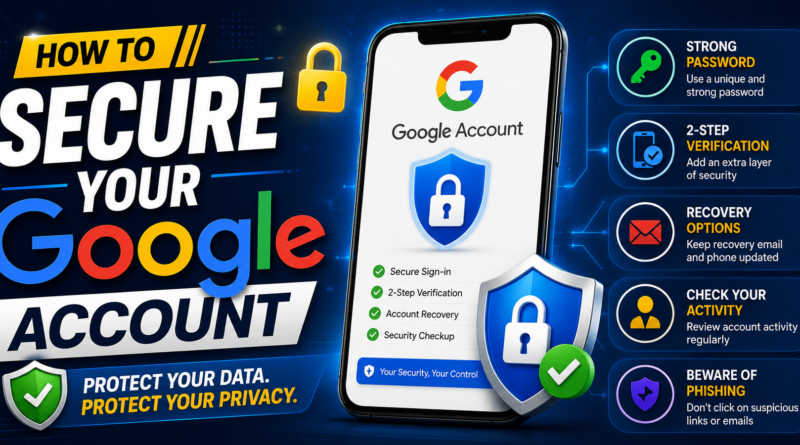
How to Secure Your Google Account: 12 Important Safety Tips
Your Google Account is connected to many important online services. Gmail, Google Drive, Google Photos, YouTube, Google Pay, saved passwords, contacts, and other services may all be connected to the same account.
If someone gains unauthorized access to your Google Account, they could potentially access personal information, emails, files, photos, and other connected services. That’s why protecting your Google Account should be an important part of your online-security routine.
Fortunately, there are several simple steps you can take to make your account much safer.
1. Use a Strong and Unique Password
Your Google Account password should be strong and different from the passwords you use on other websites.
Using the same password everywhere is risky. If another website suffers a data breach and your password is exposed, criminals may try the same password on your Google Account. Google recommends using unique passwords for every account.
Avoid passwords based on:
- Your name
- Date of birth
- Phone number
- Simple words
- Easy keyboard patterns
- Common passwords
A password manager can help you create and store strong, unique passwords.
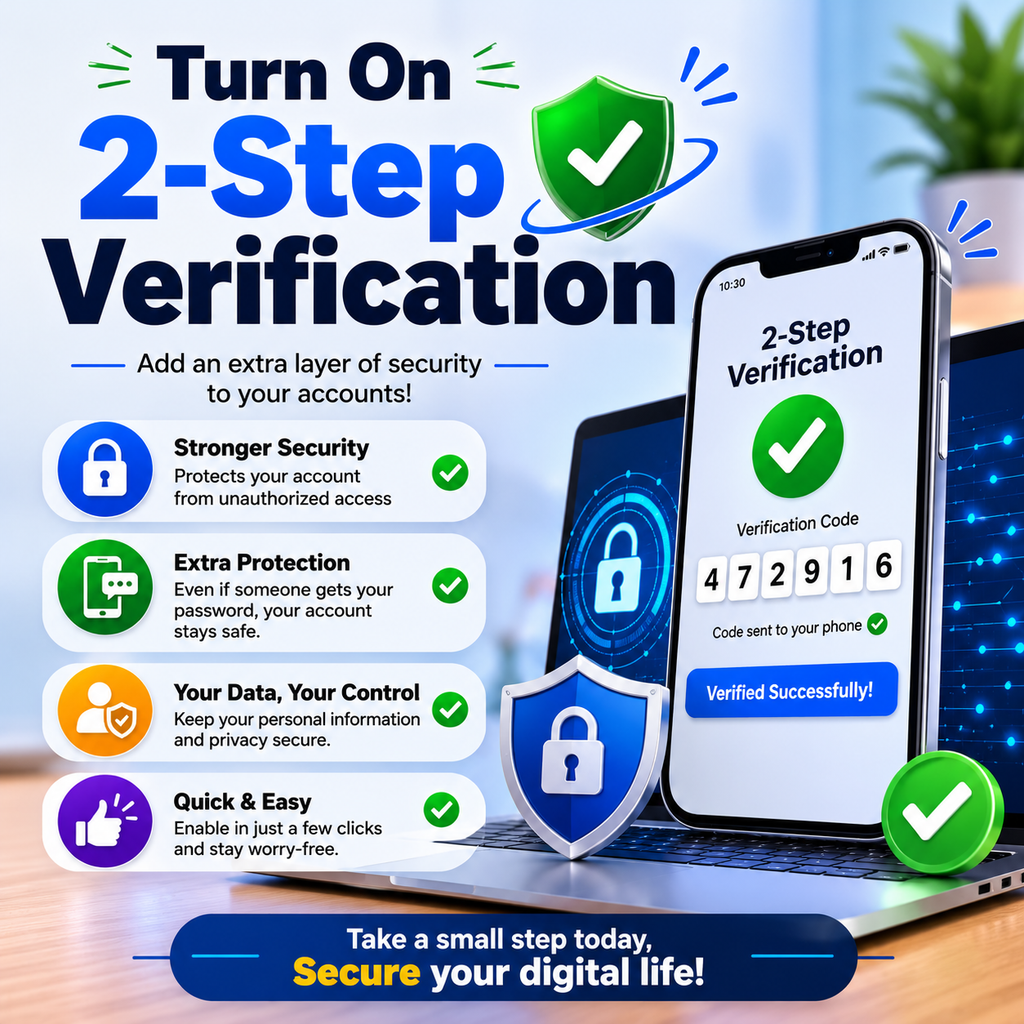
2. Turn On 2-Step Verification
Two-Step Verification adds an additional security layer to your Google Account.
With 2-Step Verification enabled, a password alone isn’t enough to complete certain sign-ins. Google can require an additional verification step, helping protect your account even if your password has been stolen.
Google supports several second-step options, including Google prompts, passkeys, authentication codes, and security keys.
For stronger protection, consider using a passkey or security key where appropriate.
3. Set Up a Recovery Phone Number
A recovery phone number can help you regain access to your account if you forget your password or have trouble signing in.
It can also help Google alert you about suspicious activity.
Make sure your recovery phone number is current and belongs to you.
4. Add a Recovery Email Address
A recovery email provides another way to help recover your account.
Choose an email address that you can access and keep it updated.
If your primary Google Account becomes inaccessible, recovery information can be extremely useful.
5. Take a Google Security Checkup
Google provides a Security Checkup that gives personalized recommendations for improving your account security.
It can help you review recovery information, account access, devices, passwords, and other security settings. Google recommends taking a Security Checkup regularly.
Make it a habit to review your security settings periodically rather than waiting until something goes wrong.
6. Check Devices Connected to Your Account
Review the devices that are signed in to your Google Account.
Look for:
- Old phones
- Computers you no longer use
- Unknown devices
- Devices belonging to someone else
If you see a device you don’t recognize, investigate it and follow Google’s security steps to protect your account.
Removing old or unfamiliar devices can reduce unnecessary account access.
7. Review Recent Security Activity
Google lets you review recent security events associated with your account.
Check for unexpected:
- Sign-ins
- Password changes
- Recovery-information changes
- Security-setting changes
If you find activity that wasn’t yours, use Google’s account-security instructions immediately.
8. Be Careful With Phishing Emails
Scammers often create fake Google login pages or messages designed to steal passwords.
A message may claim:
“Your account will be suspended.”
“Suspicious activity detected.”
“Verify your account immediately.”
Don’t click suspicious links simply because a message looks official.
Instead, open your browser or Google app directly and check your account security from there.
Google also recommends not sharing passwords in response to emails, messages, webpages, or phone calls.
9. Never Share Your Verification Codes
If you receive a Google verification code that you didn’t request, don’t share it with anyone.
Someone may be attempting to sign in or recover an account.
Google advises users not to share verification codes received unexpectedly.
Treat OTPs and verification codes as confidential.
10. Review Third-Party Apps
You may have connected different applications and websites to your Google Account.
Over time, you may stop using some of them.
Review the apps and services that have access to your account and remove access for anything you don’t recognize or no longer need.
This reduces the number of external services connected to your Google Account.
11. Be Careful With Browser Extensions
Browser extensions can be useful, but unknown or unnecessary extensions can create security and privacy risks.
Google recommends removing apps and browser extensions you don’t need and avoiding unknown applications or extensions.
Only install extensions from trusted sources and review your installed extensions occasionally.
12. Keep Your Devices Updated
Your Google Account can be compromised through more than just password theft.
Outdated operating systems, browsers, applications, and malicious software can create additional security risks.
Keep your phone, computer, browser, and important applications updated.
Also avoid downloading unknown files or installing applications from untrusted sources.
Signs Your Google Account May Have Been Compromised
Pay attention if you notice:
- An unfamiliar login
- An unknown device
- A changed recovery phone number
- An unfamiliar recovery email
- Unexpected password changes
- Messages you didn’t send
- Unknown applications with account access
- Changes to security settings you didn’t make
Google provides specific guidance for securing a compromised account if you notice suspicious activity.
What to Do If Your Google Account Is Hacked
If you believe someone has accessed your account, act quickly.
First, change your Google Account password.
Then review your recent security activity and connected devices. Remove unfamiliar access and check your recovery information.
You should also change passwords on other websites if you reused your Google password elsewhere. Google recommends changing compromised or reused passwords as part of securing an account.
If you cannot sign in because someone changed your account information, use Google’s official account-recovery process.
Conclusion
Your Google Account contains a large amount of personal information, so protecting it should be a priority.
Start with the basics: use a unique password, enable 2-Step Verification, add recovery information, review connected devices, check security activity, and stay alert for phishing scams.
You don’t need to be a cybersecurity expert to improve your account security.
Spend a few minutes regularly reviewing your Google security settings. These simple habits can significantly reduce the risk of unauthorized access and help keep your Gmail, photos, files, passwords, and other important information safer.