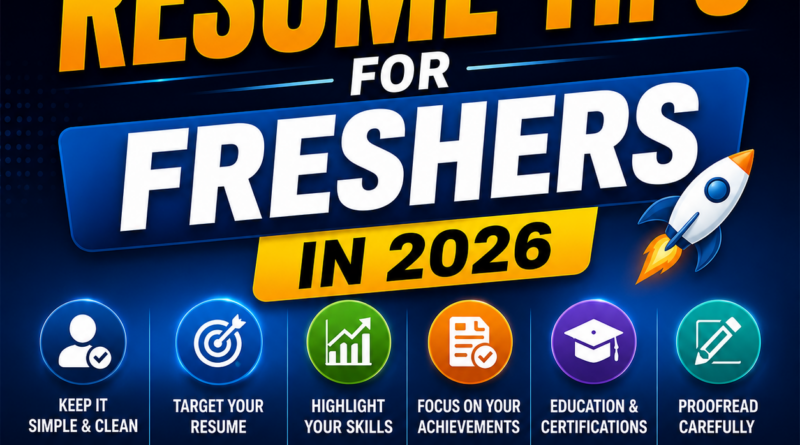
Best Resume Tips for Freshers in 2026: How to Create a Resume That Gets Noticed
Starting your career as a fresher can be exciting, but finding your first job can also be challenging. With many candidates applying for the same position, your resume needs to quickly communicate your skills, education, projects, and potential value to an employer.
In 2026, many companies use Applicant Tracking Systems (ATS) to organize and filter applications. Recruiters may also receive hundreds of resumes for a single position. This makes it important for freshers to create a resume that is simple, relevant, professional, and easy to read.
You don’t need years of work experience to create a strong resume. By presenting your education, skills, projects, internships, certifications, and achievements effectively, you can create a resume that gives recruiters a clear reason to consider you.
1. Keep Your Resume Simple
A fresher’s resume should be easy to read.
Avoid excessive colors, complicated graphics, decorative fonts, and large design elements.
Use clear headings such as:
- Professional Summary
- Education
- Technical Skills
- Projects
- Internship Experience
- Certifications
- Achievements
- Additional Skills
A clean structure makes it easier for recruiters to find important information quickly.
2. Customize Your Resume for Every Job
One of the biggest resume mistakes is sending exactly the same resume to every company.
Read the job description carefully and identify the skills and qualifications the employer is looking for.
If the job requires skills you genuinely possess, make sure they are clearly visible on your resume.
For example, if a job description mentions AWS, Linux, Docker, Git, and Jenkins, and you have these skills, include them clearly in your technical-skills section and relevant projects.
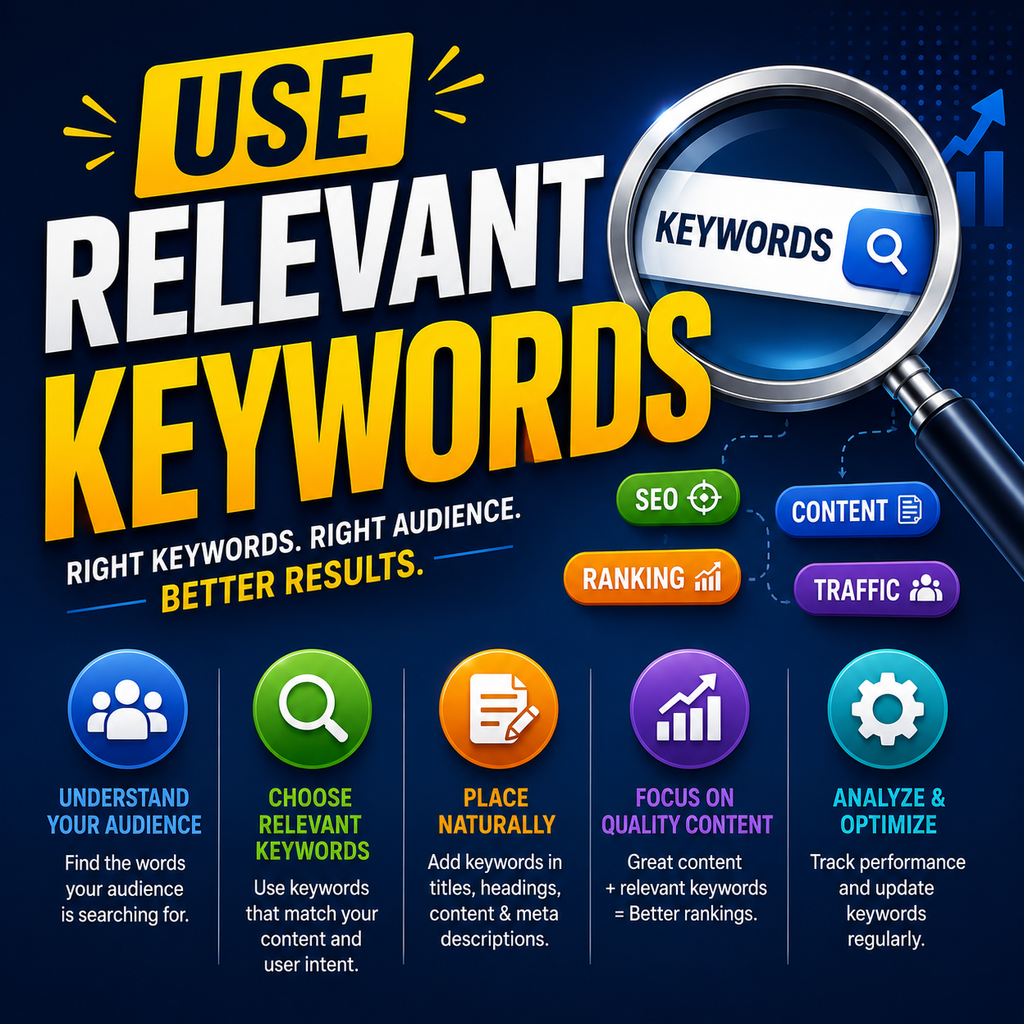
3. Use Relevant Keywords
Many companies use ATS software to help manage applications.
Including relevant keywords from the job description can make your resume easier for both ATS software and recruiters to understand.
However, don’t simply copy every keyword from the job description.
Only include skills and technologies you actually know.
4. Write a Strong Professional Summary
Your professional summary should quickly explain who you are and what type of role you are seeking.
For example, a fresher applying for an IT position could mention their degree, technical skills, projects, and career interest in two or three concise sentences.
Avoid generic statements such as:
“I am a hardworking person looking for a challenging opportunity.”
Instead, focus on your actual skills and the type of role you want.
5. Highlight Technical Skills
For technical jobs, create a dedicated skills section.
You can organize skills into categories such as:
Cloud: AWS
DevOps: Jenkins, Docker, Terraform
Programming: Python, Java, SQL
Tools: Git, Maven, Linux
Only list technologies that you can confidently discuss during an interview.
Adding skills you don’t understand can create problems when recruiters ask technical questions.
6. Show Projects Instead of Leaving Empty Space
Projects are extremely valuable for freshers because they demonstrate practical experience.
For each important project, mention:
- Project name
- Technologies used
- What you built
- Your responsibilities
- Key outcome
Instead of writing:
“Created a cloud project.”
Write something more specific, such as:
“Built an automated deployment workflow using AWS and CI/CD tools to deploy a web application.”
This gives the recruiter a better understanding of what you actually did.
7. Include Internship Experience
If you have completed an internship, include it prominently.
Mention:
- Company or organization
- Internship role
- Duration
- Key responsibilities
- Skills used
- Major contributions
Focus on what you accomplished rather than simply listing daily tasks.
8. Add Relevant Certifications
Certifications can strengthen a fresher’s resume when they are relevant to the position.
For example, IT candidates may include certifications related to cloud computing, cybersecurity, networking, databases, programming, or DevOps.
Don’t fill your resume with unrelated certificates simply to make it longer.
Quality and relevance matter more than quantity.
9. Keep Your Resume Concise
For most freshers, a one-page resume is often enough.
Recruiters generally don’t need a long document containing every activity you’ve ever completed.
Prioritize information that is relevant to the job.
Remove:
- Repeated information
- Unnecessary personal details
- Very old achievements
- Long paragraphs
- Irrelevant hobbies
- Generic statements
10. Use Achievement-Based Statements
Whenever possible, describe what you achieved rather than simply listing responsibilities.
Instead of:
“Worked on social media posts.”
Consider:
“Created and optimized social media content to improve audience engagement and reach.”
If you have measurable results, include them when they are accurate.
Numbers can make accomplishments easier to understand.
11. Check Your Resume for Mistakes
Spelling and grammar mistakes can make an otherwise good resume look unprofessional.
Before submitting your resume, carefully check:
- Spelling
- Grammar
- Dates
- Company names
- Contact details
- Email address
- Formatting
- Alignment
Read the resume once from the recruiter’s perspective.
You can also ask someone you trust to review it.
12. Use a Professional Email Address
Your email address should look professional.
Ideally, use a simple address based on your name.
Avoid addresses containing jokes, random numbers, nicknames, or informal words.
Your contact details should be easy to find at the top of your resume.
13. Add LinkedIn and Portfolio Links
If you have a professional LinkedIn profile, GitHub account, portfolio, or relevant project website, consider adding the appropriate link.
Make sure the profile is updated before including it.
For technical roles, a well-organized GitHub profile can help demonstrate practical work.
Don’t add links that contain incomplete or irrelevant information.
14. Use AI Carefully
AI tools can help freshers improve grammar, organize information, and brainstorm better descriptions.
However, don’t allow AI to invent skills, experience, achievements, or projects.
Recruiters may ask questions about anything written on your resume.
Your resume should accurately represent your real knowledge and experience.
15. Save Your Resume in the Right Format
PDF is commonly used when a job posting doesn’t specify another format.
Use a professional filename such as:
YourName_Resume.pdf
Avoid filenames such as:
resume_final_final_new.pdf
Before submitting, open the PDF and make sure the formatting looks correct.
Common Resume Mistakes Freshers Should Avoid
Avoid these common problems:
- Making the resume too long
- Using complicated designs
- Adding fake experience
- Listing skills you don’t know
- Using an unprofessional email address
- Writing a generic objective
- Including unnecessary personal information
- Sending the same resume everywhere
- Adding inaccurate achievements
- Failing to proofread
Final Thoughts
Creating a strong resume as a fresher isn’t about making your resume look impressive with complicated designs. It is about clearly showing what you know, what you have built, and how your skills match the position.
Focus on relevant skills, practical projects, internships, certifications, and measurable achievements.
Customize your resume for each important application and keep the information accurate.
Your resume doesn’t need to prove that you know everything. It needs to clearly show recruiters what you can contribute and why you are worth interviewing.
A simple, honest, well-structured resume can be a powerful first step toward landing your first job in 2026.