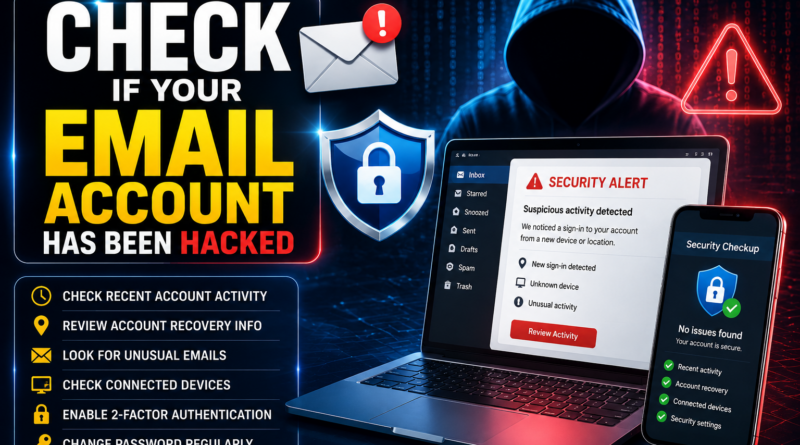
How to Check If Your Email Account Has Been Hacked: 12 Warning Signs and Safety Tips
Email has become an important part of our daily lives. We use email accounts for banking alerts, social media, shopping, job applications, subscriptions, password resets, and personal communication. Because so much important information is connected to email, a hacked email account can create serious security problems.
Cybercriminals may try to access email accounts using stolen passwords, phishing links, malware, or leaked credentials. In some cases, users may not immediately realize that someone else has gained access to their account.
The good news is that there are several warning signs you can look for. If you notice unusual activity, acting quickly can help protect your account and other services connected to it.
1. Check for Unfamiliar Login Activity
Many email services provide a security section where you can review recent sign-ins or devices that have accessed your account.
Look for:
- Unknown devices
- Unexpected locations
- Unfamiliar browsers
- Login times when you were not using the account
- Devices you don’t recognize
An unfamiliar login doesn’t always mean your account was hacked because locations and device information can sometimes be inaccurate. However, unexpected activity should be investigated.
2. Look for Password-Change Notifications
If you receive an email saying that your password was changed, but you didn’t make the change, take it seriously.
Someone may have gained access to your account or attempted to take control of it.
Don’t ignore unexpected password-reset or security notifications.
3. Check Sent Emails
Open your “Sent” folder and look for messages you don’t remember sending.
A compromised email account may be used to send phishing messages or scams to your contacts.
If you find unfamiliar emails, secure your account immediately.
4. Check Your Deleted and Trash Folders
Attackers may delete security notifications or suspicious messages after accessing an account.
Check your Trash, Deleted, Spam, and other folders for unusual activity.
Look for password-reset emails, security alerts, or messages related to services you don’t recognize.
5. Check Account Recovery Information
Review the recovery email address and phone number associated with your account.
If you find an unfamiliar recovery address or phone number, someone may have changed your account settings.
Remove unauthorized recovery information and update your security settings through the official email provider.
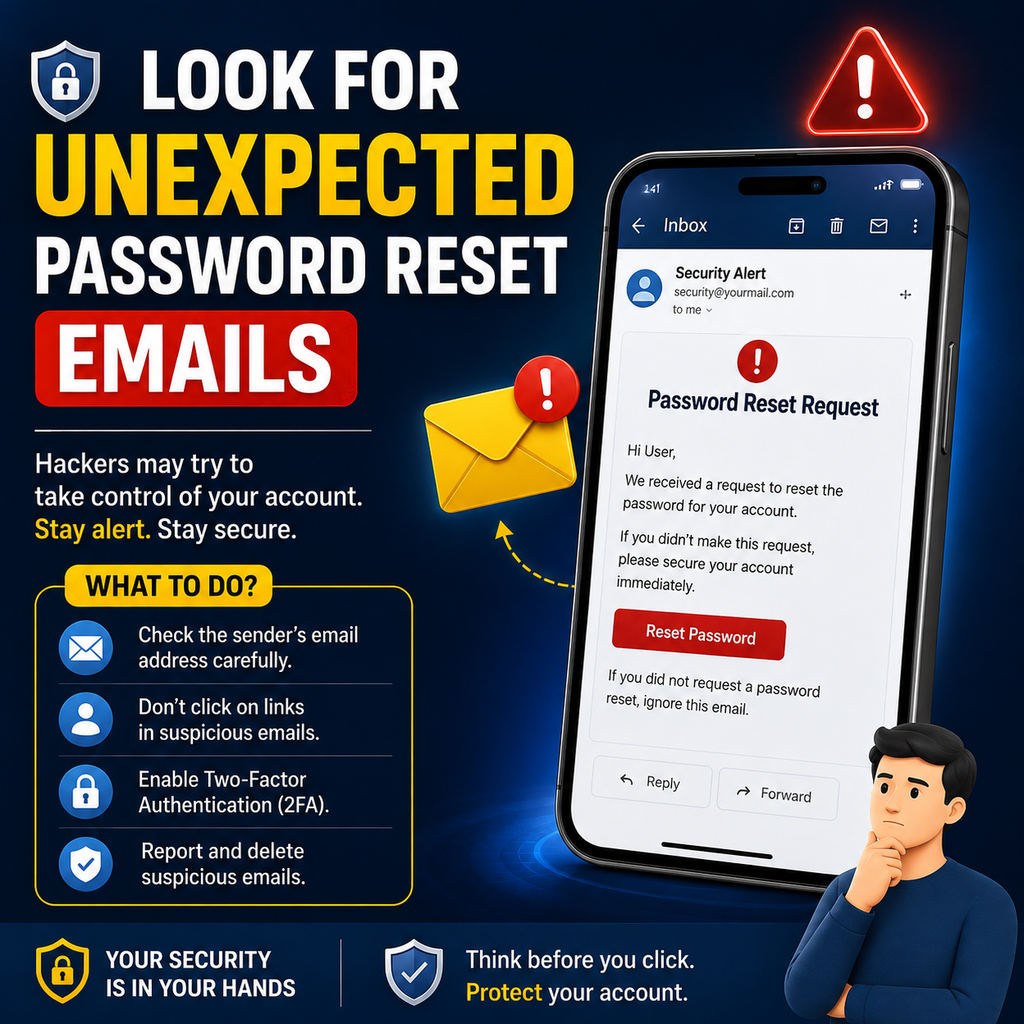
6. Look for Unexpected Password Reset Emails
Have you received password-reset messages for websites you didn’t request?
This could mean someone is attempting to access your accounts.
It doesn’t necessarily mean your email account itself has been hacked, but it is a reason to investigate your security.
Never click links in unexpected password-reset emails. Instead, open the relevant service’s official website or application directly.
7. Watch for Messages From Your Contacts
Friends, family members, or colleagues may tell you that they received strange emails or messages from your account.
If you didn’t send those messages, check your account immediately.
Your email account may have been compromised, or your email address could be being spoofed.
8. Check for Unfamiliar Email Forwarding Rules
Some attackers create automatic forwarding rules that send copies of your emails to another address.
Check your email settings for:
- Forwarding addresses
- Automatic forwarding rules
- Filters
- Unknown mail rules
If you find a rule you didn’t create, remove it and change your password.
9. Look for Unknown Connected Apps
Email accounts can sometimes be connected to third-party applications and services.
Review your account’s connected apps or authorized applications.
Remove access for applications you don’t recognize or no longer use.
Only grant access to services you trust.
10. Check Whether Your Password Has Been Exposed
If you use the same password across multiple websites, a breach at another service could put your email account at risk.
Use reputable security services and your email provider’s built-in security tools to check for signs of compromised credentials.
If your password may have been exposed, change it immediately.
11. Try to Sign In From a Trusted Device
If you suspect your account has been compromised, use a device you trust to access your email provider’s official website or application.
Avoid clicking security links from suspicious messages.
Once signed in, review your security settings, recent activity, recovery options, and connected devices.
12. Change Your Password and Enable Two-Factor Authentication
If you believe someone has accessed your account, change your password immediately.
Create a strong and unique password that you don’t use for other services.
Then enable two-factor authentication (2FA) or another form of multi-factor authentication if your email provider supports it.
This adds an additional layer of security because a password alone may not be enough to access the account.
What to Do If You Are Locked Out of Your Email
If someone has changed your password and you can no longer access your account, use the official account-recovery process provided by your email service.
Do not pay strangers who claim they can recover your account.
Avoid unofficial “account recovery” services that ask for your password, OTP, or other confidential information.
Secure Other Accounts Connected to Your Email
Your email account may be used to reset passwords for many other services.
If your email has been compromised, review important accounts connected to it, especially:
- Banking and financial services
- Social media
- Shopping accounts
- Cloud storage
- Work accounts
- Job portals
Change passwords where necessary and enable multi-factor authentication.
How to Prevent Your Email From Being Hacked
Prevention is better than dealing with a compromised account.
Follow these basic practices:
- Use a unique password for your email.
- Enable two-factor authentication.
- Don’t click suspicious links.
- Avoid downloading unknown attachments.
- Keep your phone and computer updated.
- Don’t share OTPs or passwords.
- Review login activity regularly.
- Avoid signing into your email on untrusted computers.
Conclusion
A hacked email account can expose personal information and potentially give attackers access to other online accounts. That’s why it’s important to monitor your email security regularly.
Check recent login activity, review sent messages, inspect forwarding rules, monitor password-reset notifications, and look for unfamiliar devices or connected applications.
If you notice suspicious activity, change your password, enable two-factor authentication, remove unknown access, and secure other accounts connected to your email.
Most importantly, never share your email password or OTP with anyone.
Regular security checks can help you detect suspicious activity early and keep your digital life safer.